
Tap to Pay on
iPhone
Accept Donations with Just Your iPhone
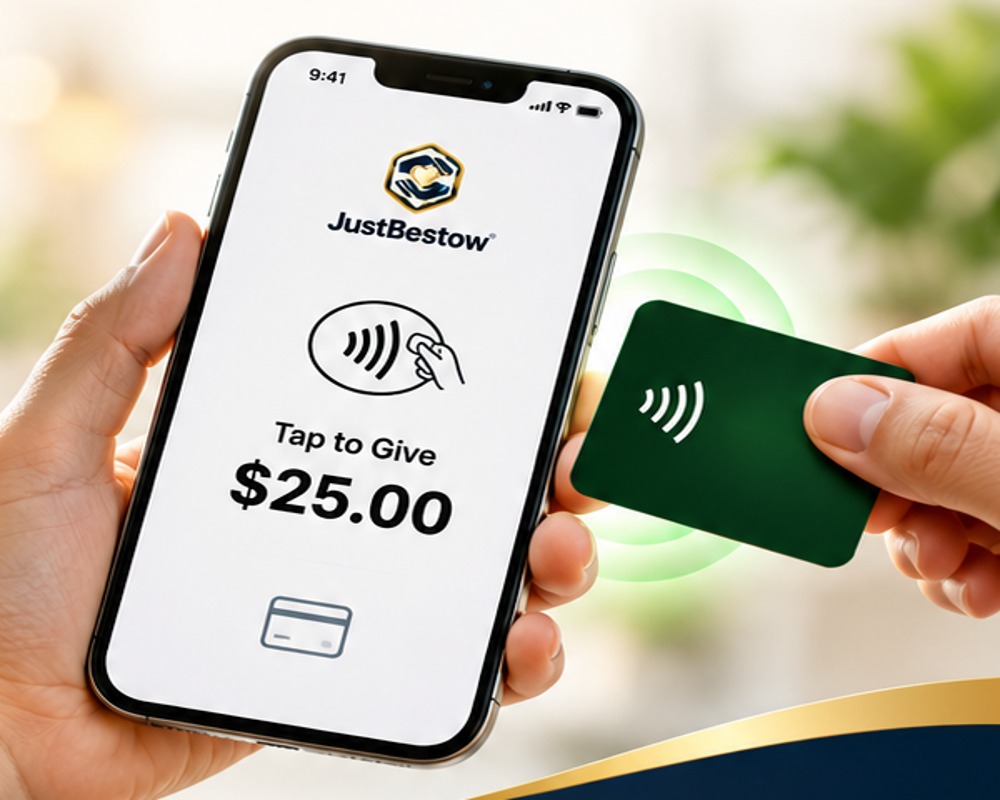
With Tap to Pay on iPhone, your organization can accept contactless donations using a compatible iPhone without needing a separate card reader.
- No Separate Card Reader
- Contactless Donations
- Powered by Stripe Terminal
A simpler way to
Accept In-Person Donations
Make collecting donations easier wherever your supporters come together. JustBestow helps nonprofits accept in-person donations through a compatible iPhone and Stripe’s supported payment collection experience.
Accept contactless payments directly on a compatible iPhone without carrying or connecting an additional card reader.
Collect donations at charity events, community gatherings, religious programs, fundraisers, and other occasions.
Allow supporters to make contributions using contactless debit or credit cards and support digital wallets on their devices.
Connecte to your JustBestow fundraising setup and manage donation records through your dashboard.
How Tap to Pay on iPhone works
Give supporters a familiar contactless payment experience without requiring an external card reader.
Make a Donation
01. Choose a Donation Amount
Select the campaign you want to support and enter the donation amount.
Tap to Give
$20.00Present your card or device02. Tap to Pay
Donors simply tap their contactless card, phone, or supported wearable device on your iPhone to pay.
Thank you!
$20.00Donation successful03. Confirm the Donation
Once the payment has been successfully processed, the confirmation screen displays the completed donation.
Note: Screens shown are illustrative. The actual payment collection interface is provided through the supported Apple and Stripe Terminal experience.
Every fundraising opportunity matters.
Less equipment.
More Ways to Collect Donations.
Whether you’re organizing a community gathering or hosting a fundraising event, JustBestow helps make in-person donation collection more convenient.
- Accept Payments Using a Compatible iPhone
- Keep Your Fundraising Connected
- Powered by Stripe Terminal
- Offer a Familiar Giving Experience
- Manage Donation Activity
Frequently Asked Questions About Tap to Pay on iPhone
No. A separate card reader is not required. You can accept contactless payments directly on a compatible iPhone through an eligible Stripe Terminal setup.
No. Tap to Pay requires a compatible iPhone, a supported operating system, and an eligible payment setup. Availability also depends on supported countries and Stripe requirements.
Yes. Donors can use supported contactless payment cards and digital wallets on compatible phones or wearable devices to make donations.
Availability depends on account eligibility, supported locations, device compatibility, and Stripe Terminal configuration. Contact JustBestow to check whether your organization can use this feature.
Donations are processed through the connected Stripe Terminal payment setup. Once a payment is successfully completed, the available transaction details can be reviewed through your JustBestow Dashboard.
Tap to Pay uses Apple’s supported contactless payment technology and Stripe’s payment processing infrastructure. Payment information is handled through the supported payment flow rather than requiring your organization to collect card details manually.
Ready to Make an count.
Give your supporters a convenient way to contribute wherever your organization raises funds. Explore how Tap to Pay on iPhone with JustBestow can simplify your in-person donation experience.